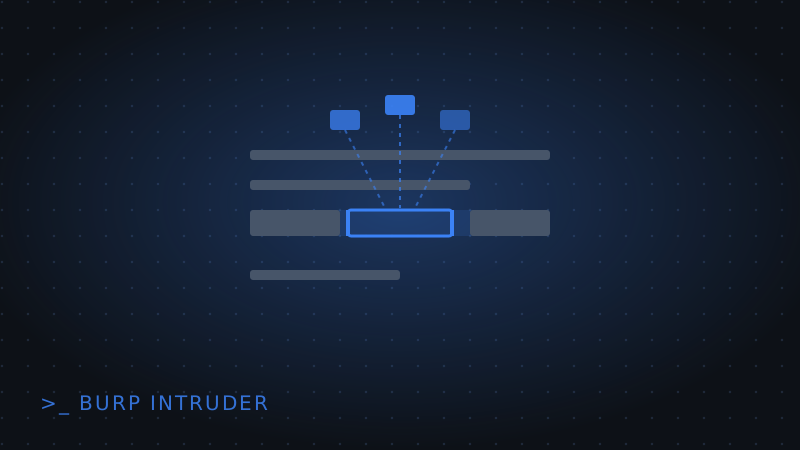
Intercepting a single request and editing it by hand in Repeater works fine for testing one idea. When the task is "try every value in this wordlist against this parameter," that approach doesn't scale — that's exactly what Burp Suite's Intruder tab is for.
1. Sending a request to Intruder
Capture or construct the request you want to fuzz, right-click it in Burp, and choose Send to Intruder. The request opens in the Intruder tab with its parameters visible and editable.
2. Marking the payload position
Select the part of the request you want to substitute values into — a parameter value, a path segment, a header — and mark it with § on both sides (Intruder inserts these automatically when you click Add §). Only the marked section gets replaced per attempt; everything else in the request stays fixed.
3. Loading a payload list
In the Payloads tab, load a wordlist — common usernames, a password list, numeric IDs for an IDOR test, or directory names for discovery. Intruder sends one request per entry in the list, substituting it into the marked position each time.
4. Spotting the result that matters
Once the run finishes, sort the results table by response length, status code, or response time. A login brute-force usually reveals itself as one response with a different length or status than all the others (a successful login page differs from every failed-attempt page); an IDOR scan usually reveals itself as the one ID that returns 200 instead of 403. You're looking for the outlier, not reading every response by hand.
Wrapping up
Intruder turns "try this one more time with a different value" into "try this with every value in the list and show me what's different." Combine it with the request-editing workflow from our Burp Suite intercepting tutorial, and see our Web Gauntlet writeup for a login bypass this same approach can speed up.