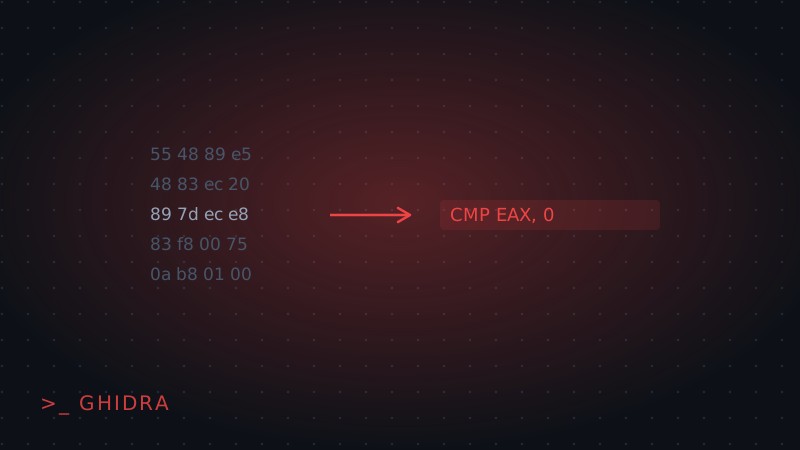
Ghidra is the NSA's free reverse engineering suite, and it's the most common starting point for CTF reversing challenges precisely because it's free and does something IDA's paid tiers charge for: it decompiles machine code back into C-like pseudocode instead of leaving you to read raw assembly. This tutorial covers loading a binary, finding the function that matters, and reading what it actually checks.
1. Import and auto-analyze
Create a new project (File → New Project), then drag the challenge binary into it. On first opening it, Ghidra asks whether to run analysis — say yes, and let the default analyzer set run. This pass identifies functions, strings, and cross-references automatically, and skipping it leaves you reading raw unlabeled bytes instead of a structured function list.
2. Find your way in with strings and symbols
Open the Symbol Tree and check Functions — if the binary isn't stripped, function names like check_password or validate point straight at the logic that matters. If it's stripped, use Window → Defined Strings instead: a string like "Correct!" or "Access denied" has cross-references back to the function that prints it, and that function is almost always the one deciding pass or fail.
# In Ghidra's Defined Strings window, right-click a hit →
# "Show References to Address" to jump to the calling function
3. Read the decompiled pseudocode
Double-click a function in the listing view and the Decompile panel on the right shows Ghidra's best guess at readable C. This is where most of the actual reversing happens — read the comparisons, loops, and conditionals like you would in source code:
if (strcmp(input, "s3cr3t_p4ss") == 0) {
    puts("Correct!");
} else {
    puts("Wrong.");
}
A hardcoded comparison like this is the easy case — the answer is sitting directly in the pseudocode. Loops that transform the input character-by-character (a custom XOR or Caesar-style check) take more reading, but the same idea applies: trace what happens to your input on the way to the final comparison.
4. Rename as you go
Right-click any variable or function and choose Rename (shortcut L) to replace Ghidra's generic uVar1-style names with something meaningful as you figure out what they do. This sounds cosmetic but compounds fast — a decompiled function reads dramatically clearer once its variables are named input_len and expected_key instead of local_28 and local_30.
Wrapping up
Import, let auto-analysis run, use strings or symbol names to find the interesting function, then read the decompiled logic directly rather than the raw assembly underneath it. Ghidra gets you further static analysis before you ever need a debugger — see our Static vs Dynamic Analysis piece for when to switch to one. For a hands-on example, check our writeups section.